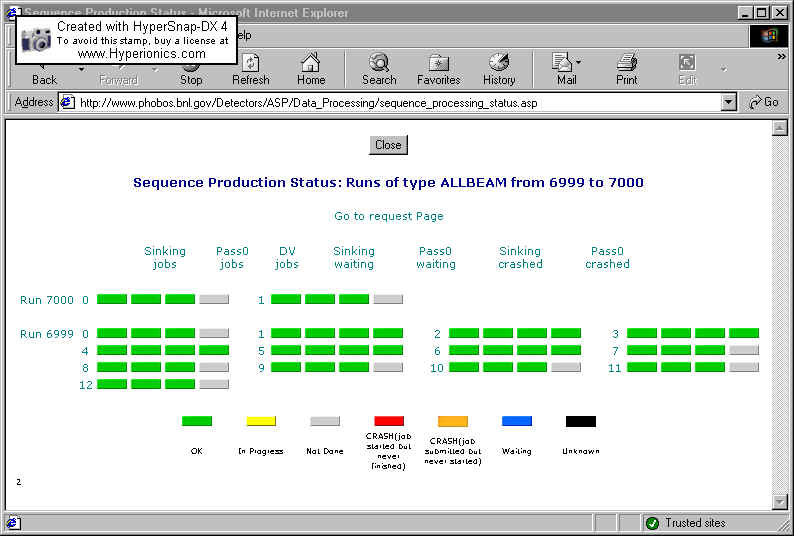
All these pages are displayed at following URL.(the Data Processing Index)
3 Flavors of the page:
3 ways to access this page :
 to get the featured run numbers.
The page features also links:
The page contains a legend at the bottom to see what the colors represent.
2 ways to access the page:
This page also features links to run_details.asp(click on the run number), and in addition has a link to sequence_details.asp by clicking on the sequence number.
According to the option chosen, the page will display the status of a specific type of job. For example, the page will display the sequence number of the sinking jobs to be done , or the sequence numbers of the PASS0 jobs that crashed or even the sinking jobs in queue. These options are available
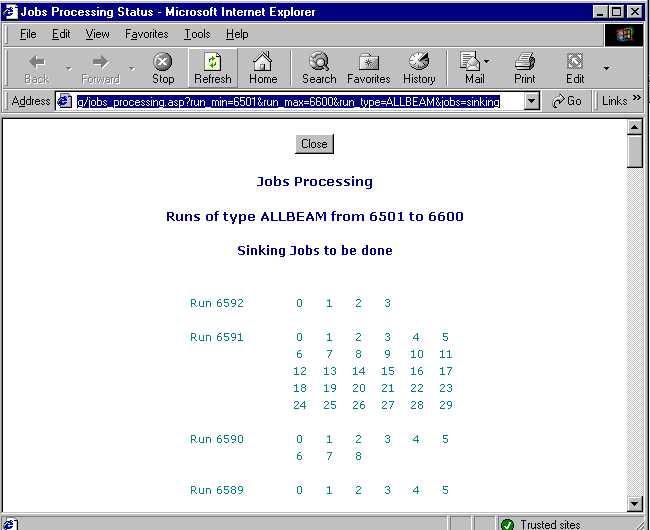
This is a set of 4 pages.
These two pages are accessible from a request. The request is found in the Data Processing Index, or on the Counting House Portal under Data Validation .(you have to be registered to perform the changes.)
These two pages are both accessible from the Data Processing Index and from the counting house Portal.( you have to be registered to perform the changes)
Run Details displays nearly all the information available from the database on one run.
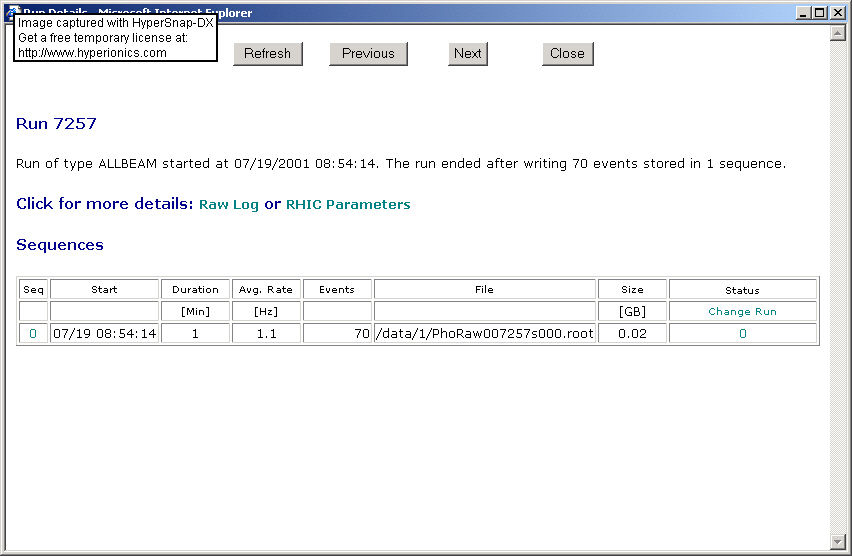
There are 4 useful links on this page. The first one is the RHIC Parameters. This link opens a page displaying all the RHIC parameters for the corresponding time scale.
The other link raw log displays the raw log for this run. ( all the run actions are displayed there ordered by time) The highlighted sequence number is a link to the sequence details, which basically displays the actions for each sequence.( ie: START RUN, END RUN, SUNK TO HPSS...)
In the last column of the bottom table, the status column displays the status for each sequence. A status set to 0 usually means that the sequence is usable for analysis. If you are registered you can click on the link change run to change the status for the whole run or on each of the numbers to change the status for each sequence.
There are 3 main pages for the checklist:
This update page is accessible from the Data Processing Index.
This page is also accessible from the Data Processing Index.
This page is usually accessed thru the request in the Data Processing Index.
If you were to add something wrong to the database and wish to delete it from the database, please contact me or Bolek, as we haven't put a delete button in our GUI.
Last updated 08/19/14 by webmaster