Last Updated on Wednesday, October 17, 2001 at 08:51:12. by Author: Nigel George
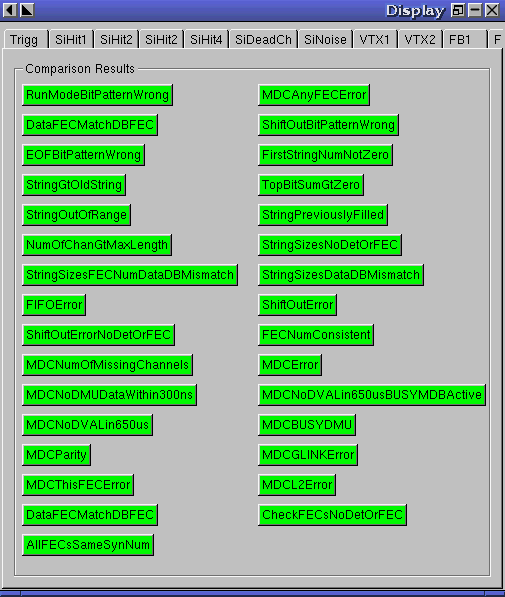
Each button displayed represents a possible error condition in the raw Si data.
If all the buttons are green, it means that the number of errors detected per sequence
is within tolerance.
The tolerance for all errors is 0.(Exception is the ShiftOutError, its tolerance is 18000,
due to known and
acceptable errors)
If a button goes red it means that an error number greater than the tolerance was
detected.
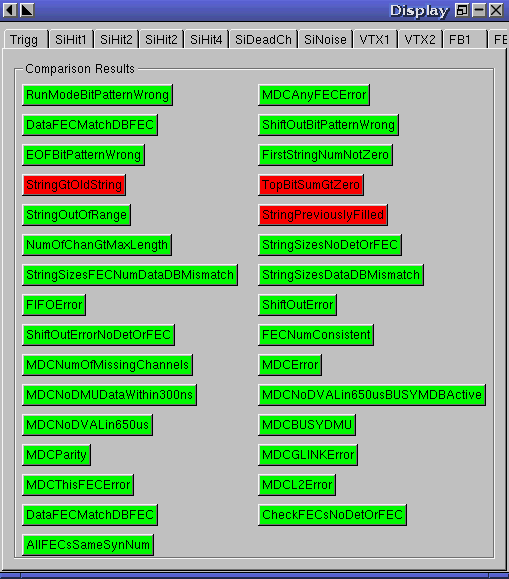
This means you should reject this screen (push reject button) and then consult with a Si expect about these errors (i.e. send them an email, if several runs have several (>2 )errors then you should call an expert as this could indicate a serious problem).
To look at the sequence dependence of the errors (i.e. in what sequences they occur)
hit the button. A
graph will appear showing the number of errors per sequence of that type, versus sequence
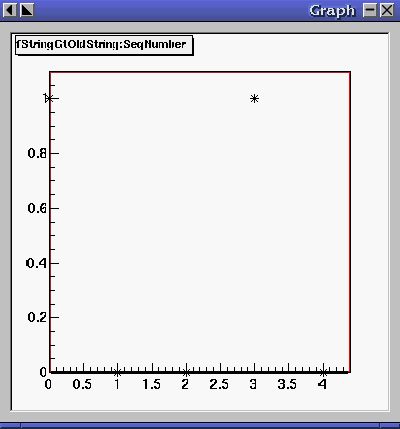
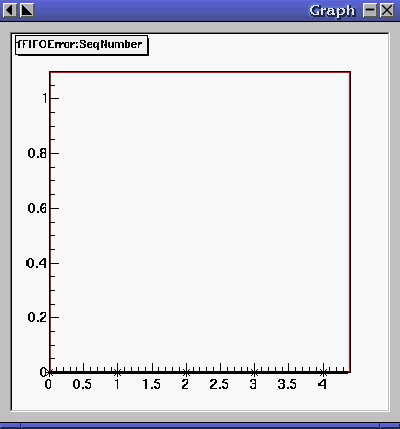
The graph on the left, has come from a red button. The one on the right is from a green button.