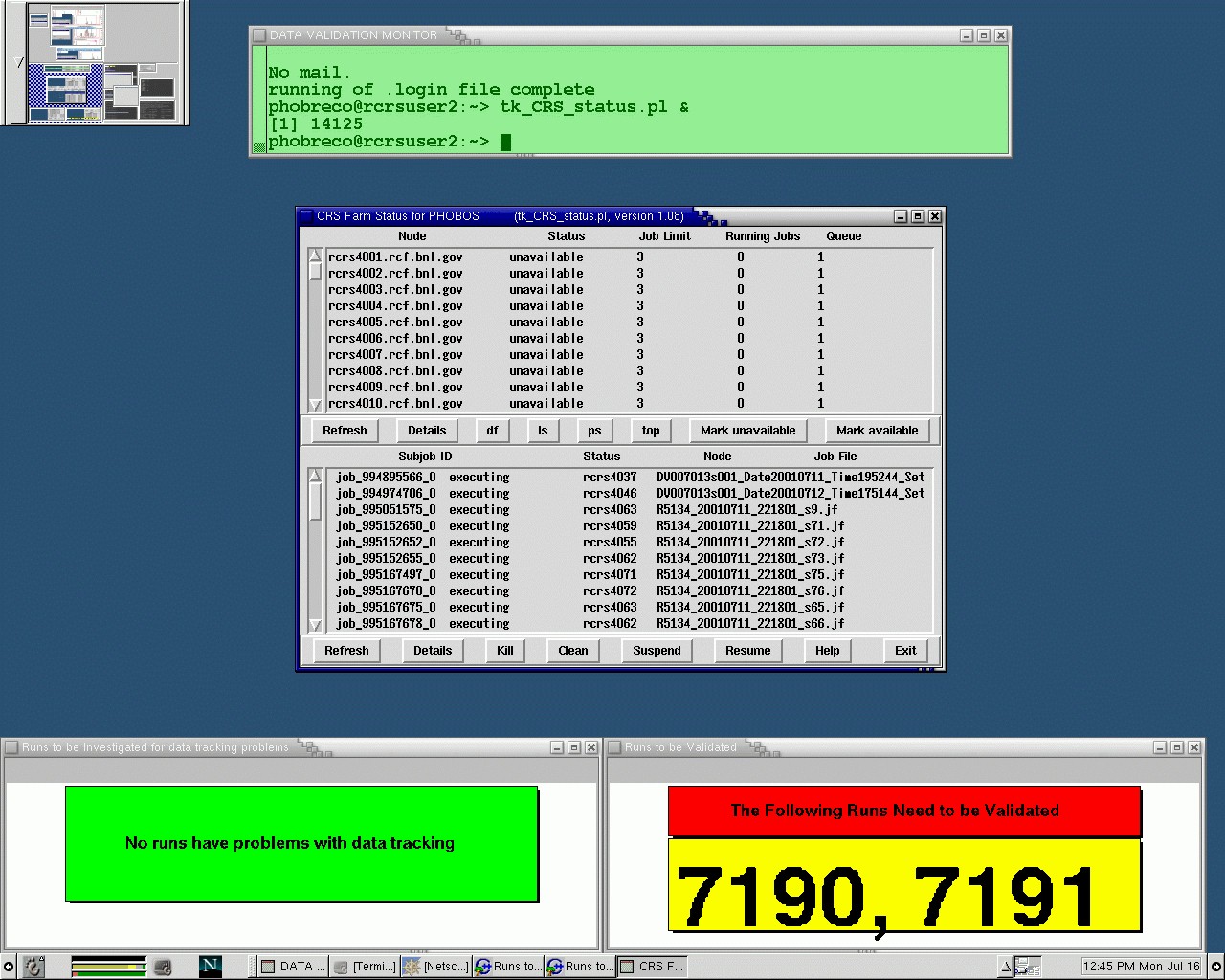
There are two desktops on phucsia to be used for Data Validation:
1. This is the Data Monitor Desktop. It is used to monitor the status of DV jobs, data tracking and checking for runs that need to be validated.
For documentation concerning these tasks, go to Running Data Validation.
2. This is the Data Validation Desktop. It is used to validate data, by running the DVGui.
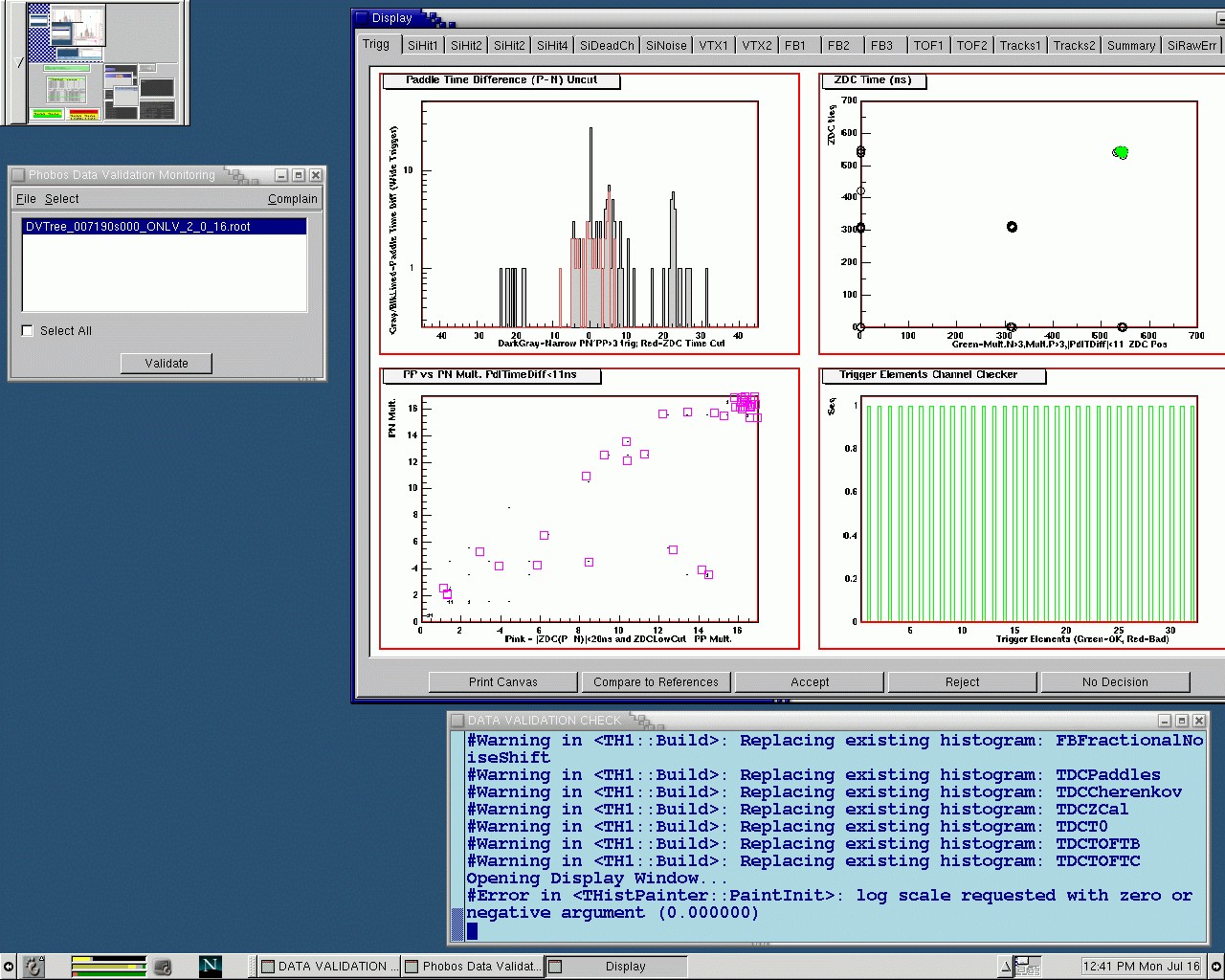
For documentation on how to validate data, go to Validating Data.
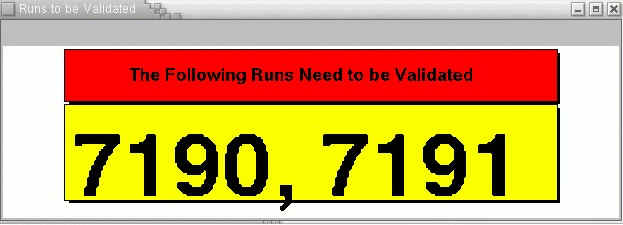
Look at the "Runs to be validated" window on phucsia.
If there are any runs to validate (red and yellow window) as shown below, follow the instructions on Validating Data.
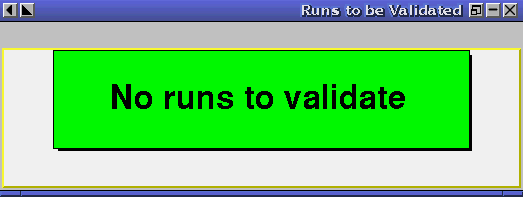
If there are no runs to validate, you will see the green window instead.
Look at the "Runs to be investigated for data tracking problems".
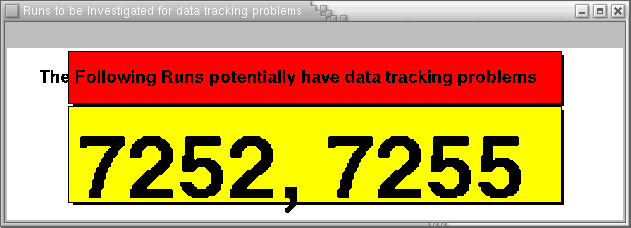
If there are any runs to investigate (red and yellow window as above), do the following:
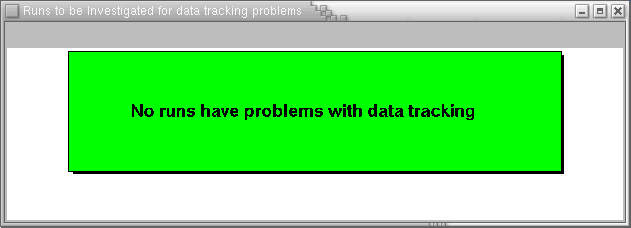
else do nothing if the window looks like.
Look at the bottom half of the "CRS Farm Status for Phobos" on phucsia. If you don't see it, follow the instructions included on the Running Data Validation page.
Refresh the window, and the look for jobs with Status = constructed. If there are any, count the number, n, and then submit a Trouble Ticket (following this link) to RCF, saying "We have n jobs stuck on constructed status.". The "problem type" is "Linux Farms".
If you have already submitted a Trouble Ticket during this shift, and n has not increased, you don't need to submit another.