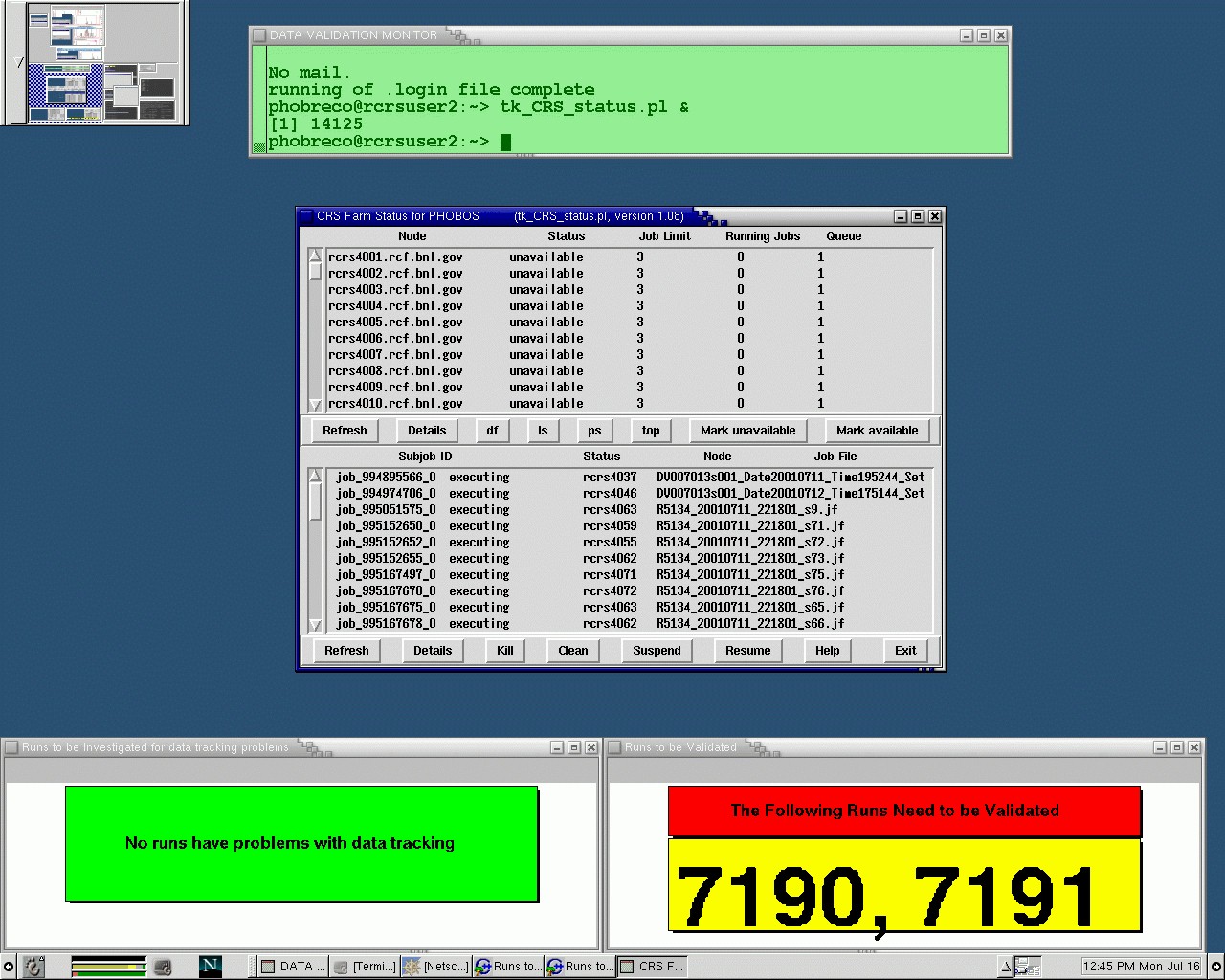
There are two desktops on phucsia to be used for Data Validation:
1. This is the Data Monitor Desktop. It is used to monitor the status of DV jobs, data tracking and checking for runs that need to be validated.
For documentation concerning these tasks, go to Running Data Validation.
2. This is the Data Validation Desktop. It is used to validate data, by running the DVGui.
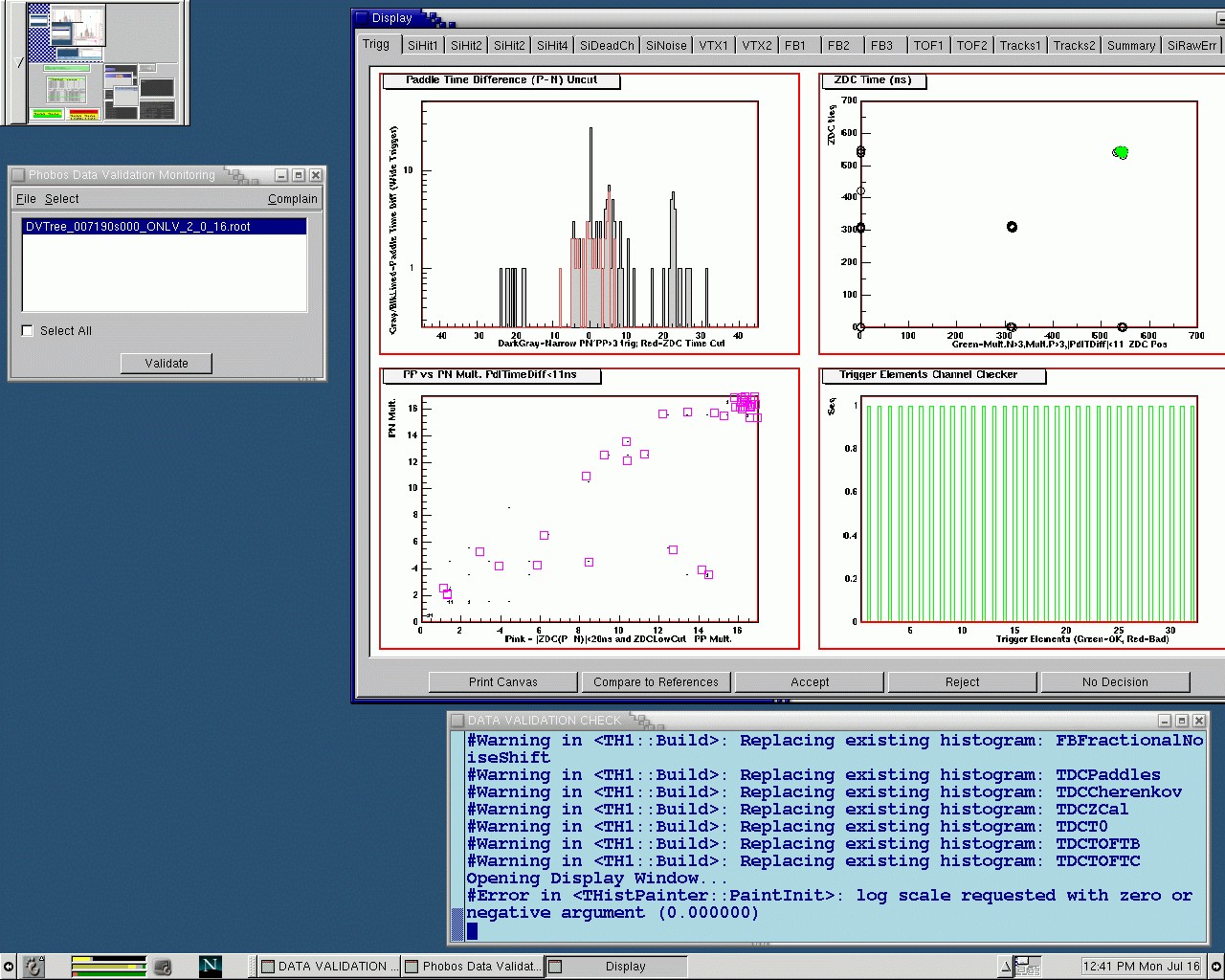
For documentation on how to validate data, go to Validating Data.
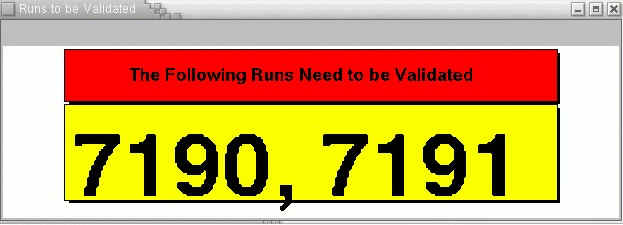
After checking the "Runs to be Validated" window, if there are any runs to validate (left window), follow the instructions on Validating Data.
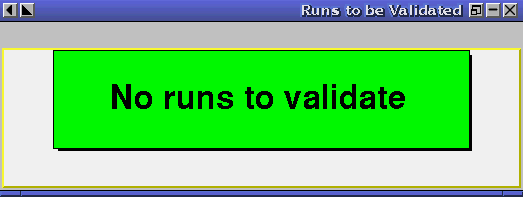
If there are no runs to validate, you will see the window on the right instead.